
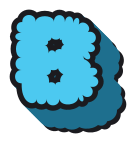
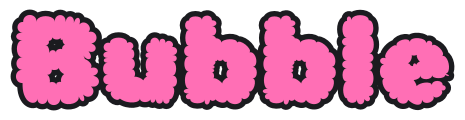
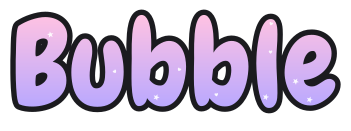

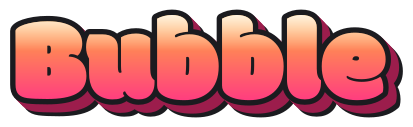
A bubble font is a typeface with round, puffy letters, like the ones you draw by hand. The 4 here are Rubik Bubbles, Chewy, Dancing Script and Modak, each free under the SIL Open Font License or Apache 2.0. Type your word above to compare them, then open one in the generator, because it adds the outline and 3D side a plain font lacks.
Can I use these fonts commercially?
Each font above is open-licensed (OFL or Apache 2.0); the license is named on its card. Both licenses allow commercial use, so you can sell signs, shirts or cards you make with these letters.
What you can't do is resell our PNG, SVG or PDF files as they are, as clip art or a printable pack. Read the license · Font sources
Questions
Is this bubble font free for commercial use?
Each bubble font used here is free for commercial use, because the SIL Open Font License and Apache 2.0 both allow it. You can sell things you make with letters from this site, such as signs, shirts or cards. You cannot resell our PNG, SVG or PDF files as they are. The license page has the details.
What font is used for bubble letters?
Hand-drawn bubble letters use no font, but a bubble letter font gives the same round, puffy shapes. Most styles here use Rubik Bubbles; Cute uses Chewy, Fancy uses Modak and Cursive uses Dancing Script. The generator then adds the thick outline and the 3D side, so a download looks drawn by hand rather than typed.
Do I need to install a bubble font to use these letters?
No, you don't need to install a bubble font to use these letters, because the generator draws them in your browser and gives you a PNG, SVG or PDF. Add the file to Google Docs, Canva or a cutting machine project like any other image. Install a font only if you want to type with it.