
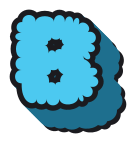
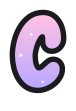
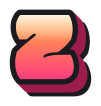
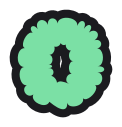

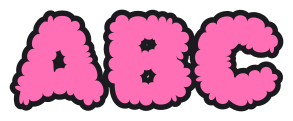
Bubble letters are rounded, puffy letters with a thick outline, drawn so each one looks inflated. Type a word above, pick Classic, 3D or Outline, then download a transparent PNG, a scalable SVG or a PDF sized for Letter or A4. Use this maker because every letter also has a step-by-step drawing guide.
Pick a letter
Every letter has its own page with 7 styles, a drawing guide and worksheets.
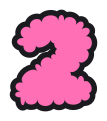
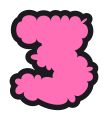
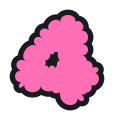
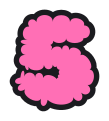
Numbers 0-9
For birthdays, scoreboards and classroom charts.
Popular words
Ready-made banners, one letter per sheet.

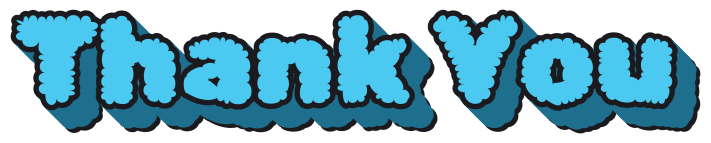

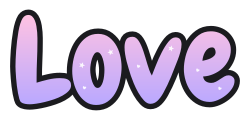
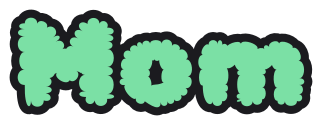
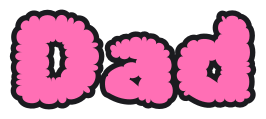
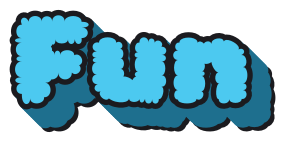

7 styles
Every letter comes in all of them.
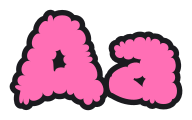
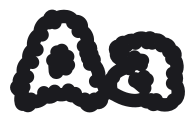
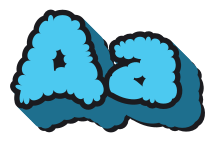
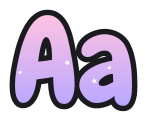
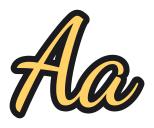
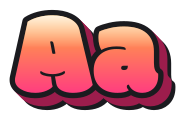
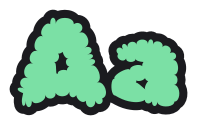
Print-ready sheets
Free PDFs for Letter and A4, made in your browser.
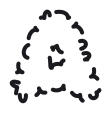
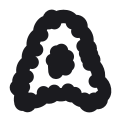
Draw them by hand
Each letter page plays its strokes in order. Start with the basics:
Write it thin
Pencil the word in plain letters with wide gaps.
Puff the outline
Trace round each letter with rounded corners.
Ink and fill
Ink the outer line, erase the pencil, then colour.
Bubble letters in Google Docs, Canva and Cricut
Download once, then use the file anywhere. For a bio or a chat, copy and paste bubble text instead.
Google Docs
Download a PNG, then choose Insert, Image, Upload from computer.
Canva
Upload the transparent PNG or the SVG and drag it onto your design.
Cricut Design Space
Open the generator and tap Cricut SVG (welded): the fill, outline and 3D side are one filled path, so the whole word is a single piece. Cut lines SVG gives the outline and the letters as two layers.
Questions
What are bubble letters?
Bubble letters are thick, rounded letters drawn as if each one were puffed up with air, with a dark outline and no sharp corners. You see them on posters, birthday cards, bulletin boards and notebook covers. On this page you can type any word and get it in 7 styles as a PNG, SVG or PDF.
How do you make bubble letters?
To make bubble letters by hand, write the word thin in pencil with wide gaps, draw a rounded outline an even distance around each letter, then ink the outline and erase the pencil. To make them online, type the word above, pick a style and download it. The step-by-step guide shows each stage.
What are some popular bubble letter fonts?
Free bubble letter fonts include Rubik Bubbles, Chewy, Modak and Sniglet, all from Google Fonts under the SIL Open Font License or Apache 2.0. This site draws its styles with Rubik Bubbles, Chewy, Modak and Dancing Script, and the bubble font page previews each one with your own word.
How to create bubble letters digitally?
To create bubble letters digitally, type your word in the box at the top of this page, choose one of 7 styles and tap Download for a PNG, SVG or PDF. The PNG keeps a transparent background, so it sits cleanly on top of slides and designs. There is nothing to install and no account to make.
What is the history of bubble letters?
The history of bubble letters is usually traced to New York graffiti writer Phase 2, who is generally credited with the puffy style, also called softies, and first painted it in 1972 (Wikipedia). He built partly on Super Kool 223's cloud outlines, though the exact origin is unclear (Sourcetype).
Can I print bubble letters for a bulletin board?
You can print bubble letters for a bulletin board with the Banner layout, which puts one letter on each sheet of Letter or A4 paper, sized to fill the page. Type the word in the bubble letter generator, choose Banner, download the PDF and print every page at 100% scale, then trim and pin them up.
How do I use bubble letters in Google Docs or Canva?
To use bubble letters in Google Docs, download the PNG and choose Insert, Image, Upload from computer. In Canva, upload the PNG or the SVG and drag it onto your design. The PNG has a transparent background, so only the letters show over your page and its colours.
Can I cut these bubble letters on a Cricut?
You can make Cricut bubble letters with the Cricut SVG (welded) download in the generator. It joins the fill, the outline and any 3D side into one filled path, so the whole word is a single piece. A second file, Cut lines SVG, keeps the outline and the letters as two layers for a two-colour cut.